Mathematics
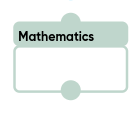
The «Mathematics» block performs mathematical operations.
The block properties contains three types of settings:
- The first and second operands can be set by a «Value» or a «Variable»:
- If «Value» is selected, you can enter a number for both operands in the «Value» field;
- If «Variable» is selected, the values are passed through the variable;
- you can enter both positive and negative numbers, integers and fractions, separating them with a dot or comma;
- Selection of the operation and the resulting variable.
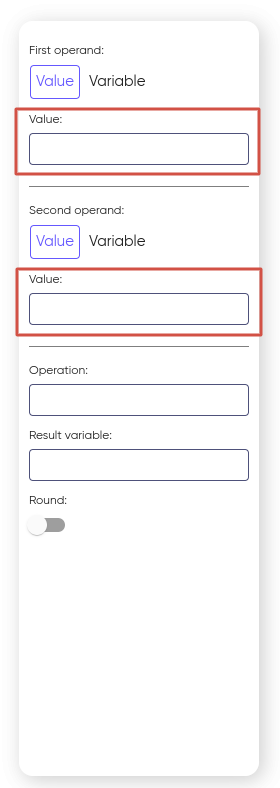
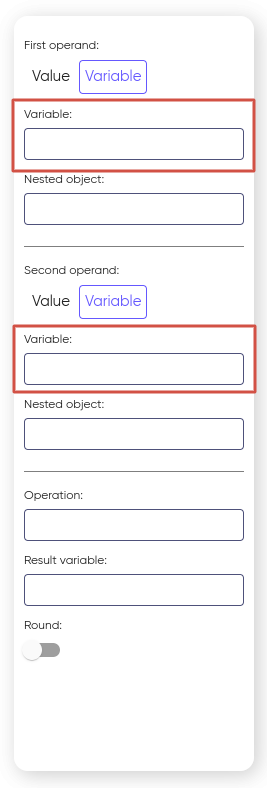
You can set one operand to a fixed «Value» and pass the other to a «Variable».
When a «Variable» is selected, a new «Nested object» block appears. For more information about using it, see the Variable section.
Available operations in the block:
- Addition;
- Subtraction;
- Multiplication;
- Division.
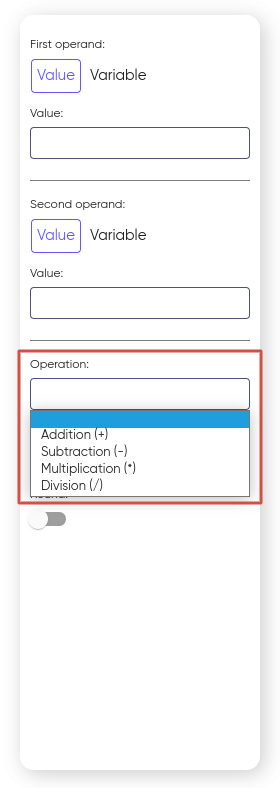
To transfer and save the result, the «Result variable» block is used, in which a variable is selected to store the result of a mathematical operation.
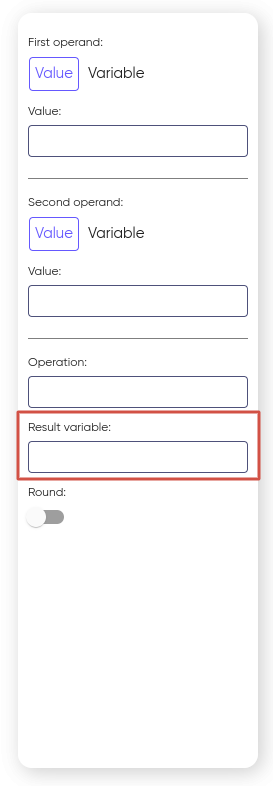
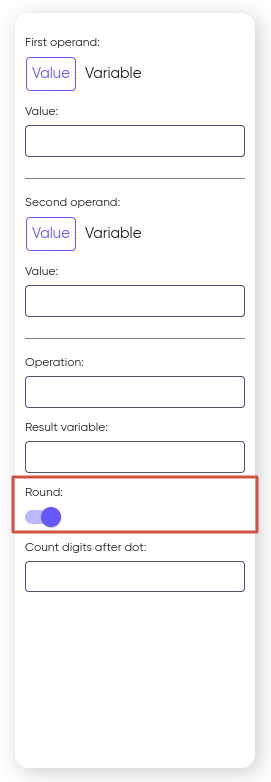
You can also round up the resulting variable. To do this, turn on the Round slider:
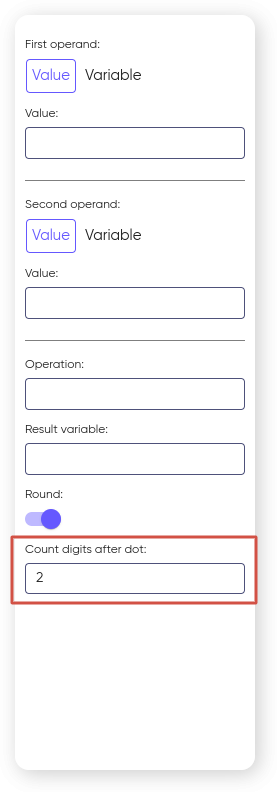
After that, enter the number of characters that must be left after the decimal point:
On this page