
The Email block is used for sending emails. It includes the following main components: Connector, Email field, Subject and Message text.
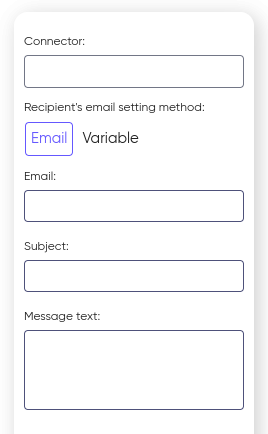
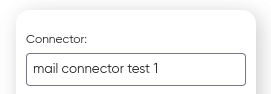
An SMTP connector is an aggregator through which emails are sent. The connector includes all necessary settings for connecting to mail servers.
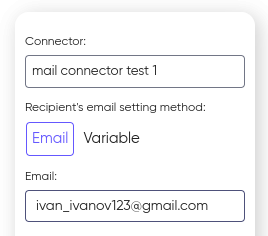
The Email field contains the email addresses of recipients to whom the email will be sent. Email addresses can be specified directly:
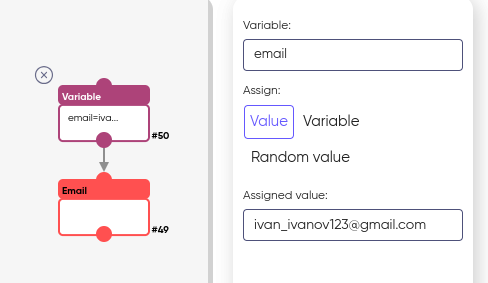
And also through a variable:
The Subject and Message text represent the content of the email being sent. The Subject indicates the topic of the email, while the Body contains the main message.
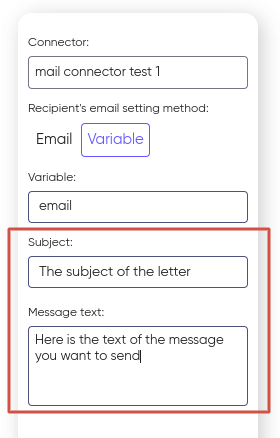
Usage example:
- Configure the SMTP-connector with all the necessary parameters for connecting to the mail server, then specify it in the Email block;
- Specify the recipient’s address in the Email field (or pass it through a «Variable»);
- Fill in the Subject and Text of the message;
- Send an email using the configured SMTP connector.
On this page