HTTP request
The «HTTP request» block is used to transfer or receive data (or operations with it) between the scenario and the external system (over the HTTP protocol).
Each new HTTP request block placed in the scenario is configured individually depending on what function it should perform in each specific case.
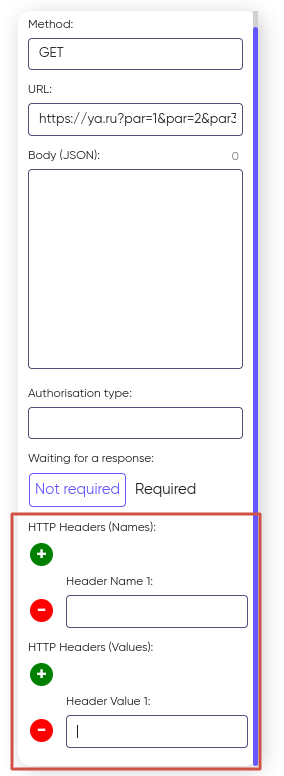
Configuring the HTTP request block begins by specifying the method that the request will be executed and specifying a link to the resource containing the transmission parameters. Variables can be passed as the parameter value.
For example, https://ya.ru?par=1&par=2&par3 ={test}.
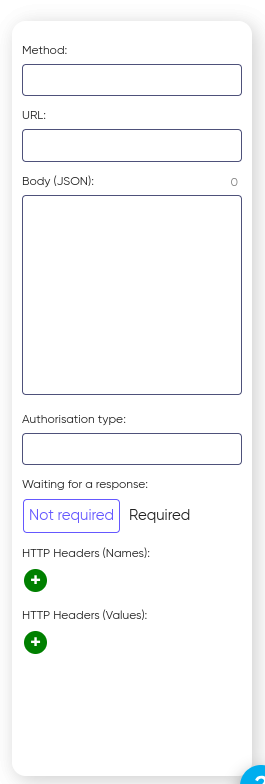
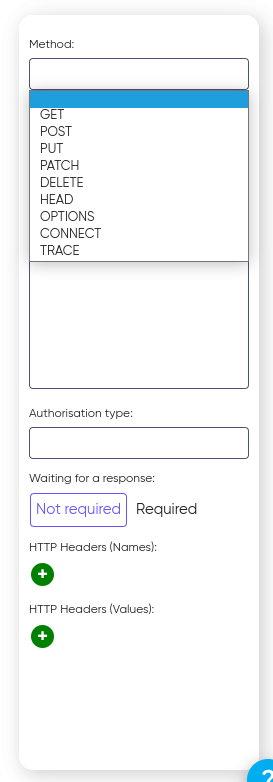
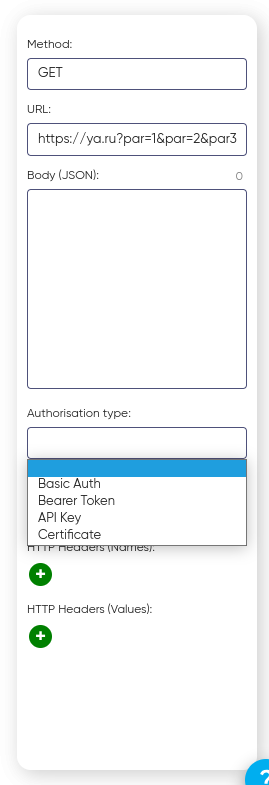
Specify the type of authorization supported by the external system and its characteristic set of parameters.
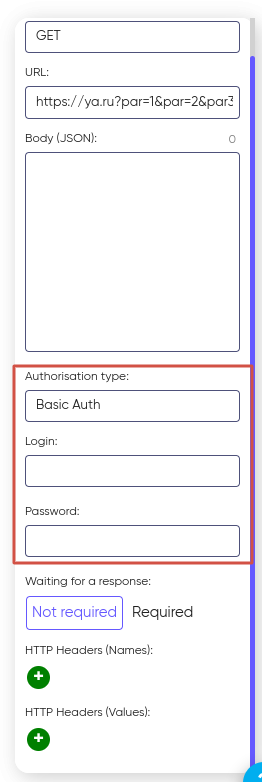
For the Basic Auth authorization type, you must specify a Username and Password:
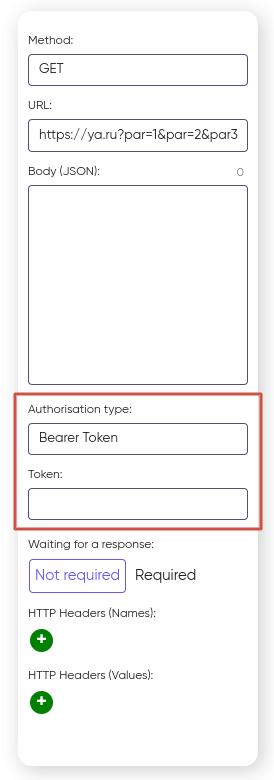
For the Bearer Token authorization type, you must enter the appropriate Token:
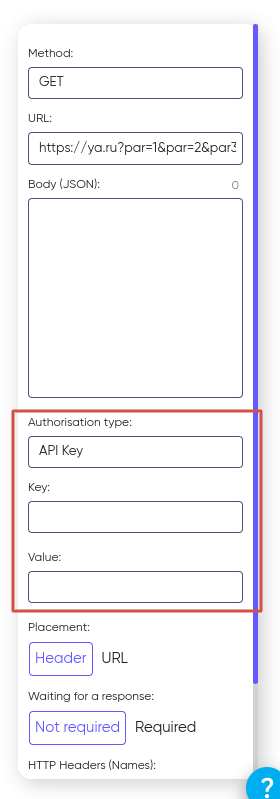
For the API key authorization type, you need to set the Key and Value, as well as select how to remotely transfer data:
- in the Header of the request Header;
- as parameters in the URL.
- This choice depends on the requirements of the third-party API. Some services expect the key to be transmitted in the header, others in the URL.
Please note that when specifying the “Certificate” authorization type, you will need to select a specific certificate from the “Certificate” drop-down list. In order for the certificate to appear in this list, you must first download your certificate file in the user’s personal account. See the Personal area Certificates section for how to do this.
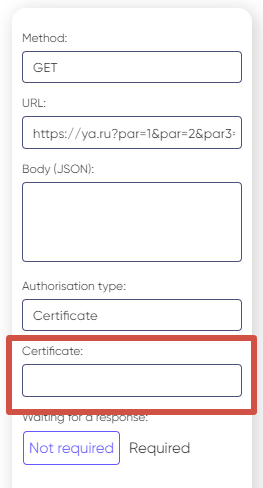
The next step is to specify the parameters of Waiting for a response from a third-party HTTP server. If waiting for a response is required, then switch to the appropriate “Required” value. Set the response timeout and specify which variable the response code and body will be placed in:
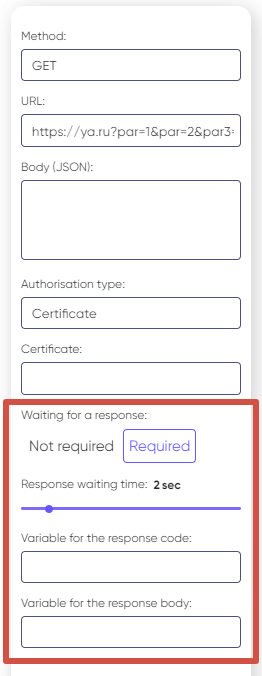
After configuring the response timeout, you can optionally specify HTTP headers (names and values) if they are required for sending the request.
HTTP headers are used to transmit service information, authorization parameters, content type definitions, and other additional request parameters.
- HTTP Headers (Names) — a field used to specify the names of the HTTP headers that must be sent to the external system when the request is executed;
- HTTP Headers (Values) — a field used to specify the corresponding values of the HTTP headers.
Multiple headers can be added. Each header name must have a corresponding value.