Users
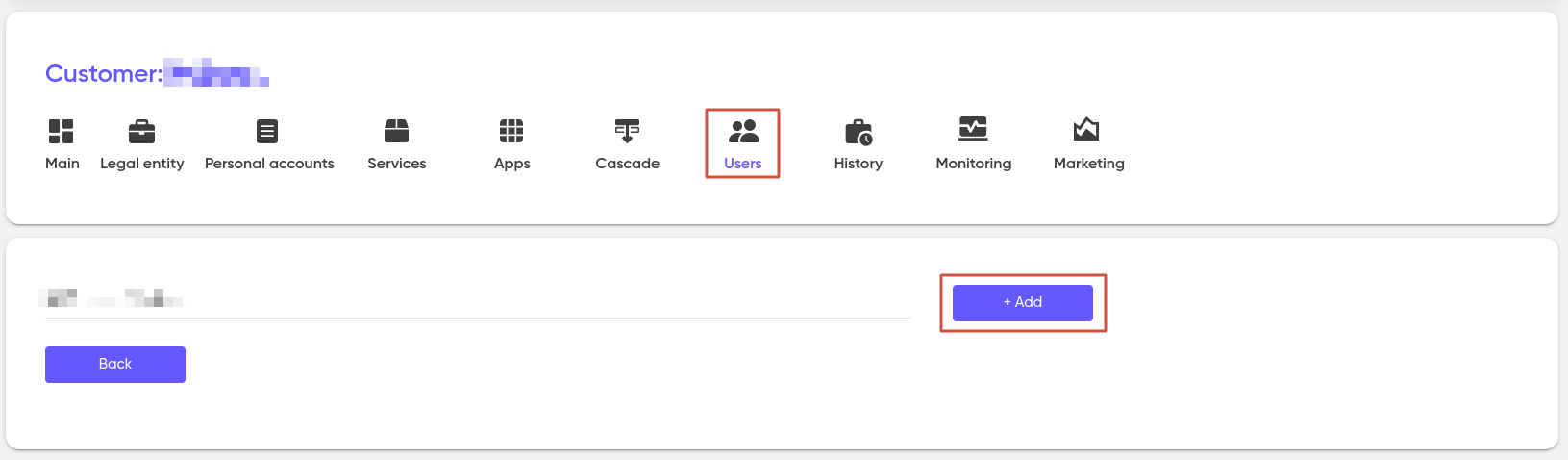
Adding a user for a customer takes place on the «Customers» page in the «Users» tab.
In the «Users» tab, you can create new accounts to provide access to your personal account.
Click on «+ Add» and fill in the appropriate fields.
The choice of a role for a new user determines which set of rights the owner of the account being created will have when working with the system.
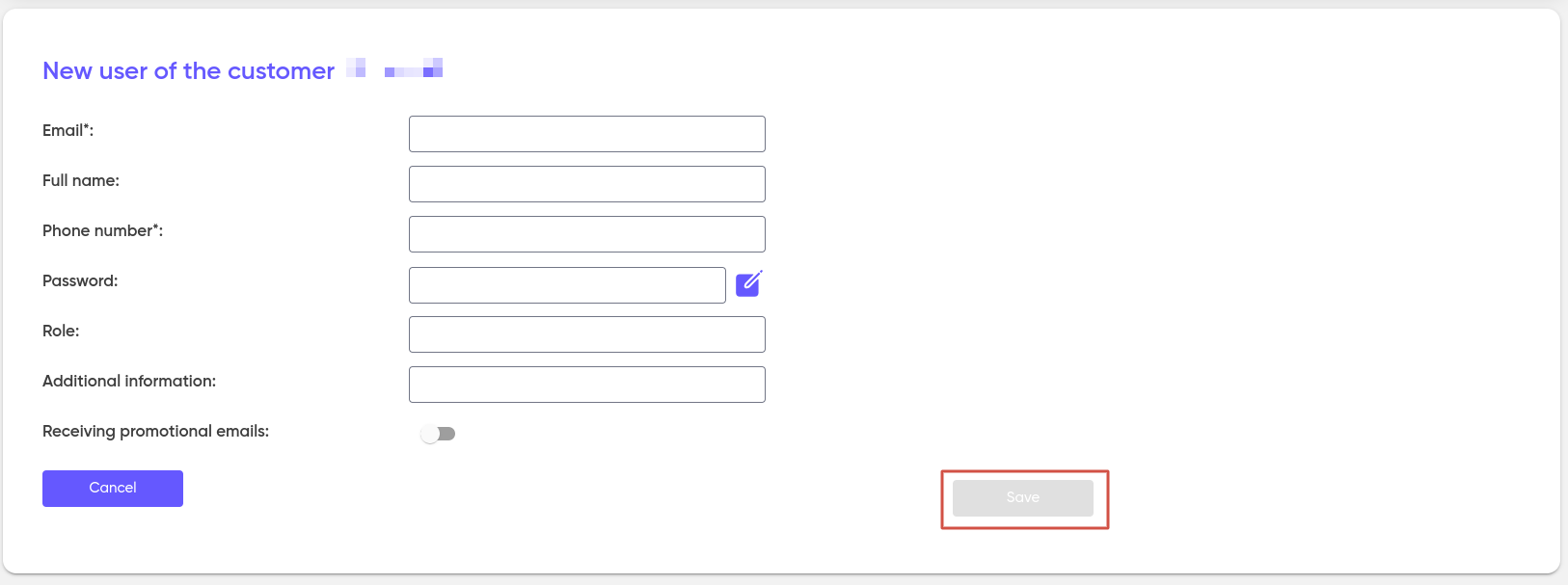
After filling in the required fields, click «Save». A new user will be created in the system.
On this page