Modificators
Each modifier contains a Modification Rule and a Setting inside it.
The system supports the following modification rules:
| Rule type | Description |
|---|---|
| SOURCELIST_MODIFIER_TYPE | changes the source address (source Addr) according to the replacement list |
| SOURCE_MODIFIER_TYPE | changes the source address (source Addr) according to this rule |
| DEST_MODIFIER_TYPE | changes the destination address (dest Addr) according to this rule |
| APPEND_SIP_HEADER | adds a SIP header in the format «SIP_HEADER<string that can include variables> |
| DELETE_SIP_HEADER | deletes the SIP header in the «SIP_HEADER» format |
| SOURCE_MODIFIER_BY_POOL_MODIFIER_TYPE | changes all outgoing numbers (And numbers) to numbers from the specified pool |
| SET_DATA_CODING_MODIFIER_TYPE | changes the SMS encoding to the one specified in the template |
| SET_ESM_CLASS_MODIFIER_TYPE | sets the esm class in SMS or HLR to the specified |
| GENERATE_SHORT_MESSAGE_MODIFIER_TYPE | generates SMS text based on a template (for example, «Your code %d4» generates «Your code 1234», and «%d6» generates «123456») |
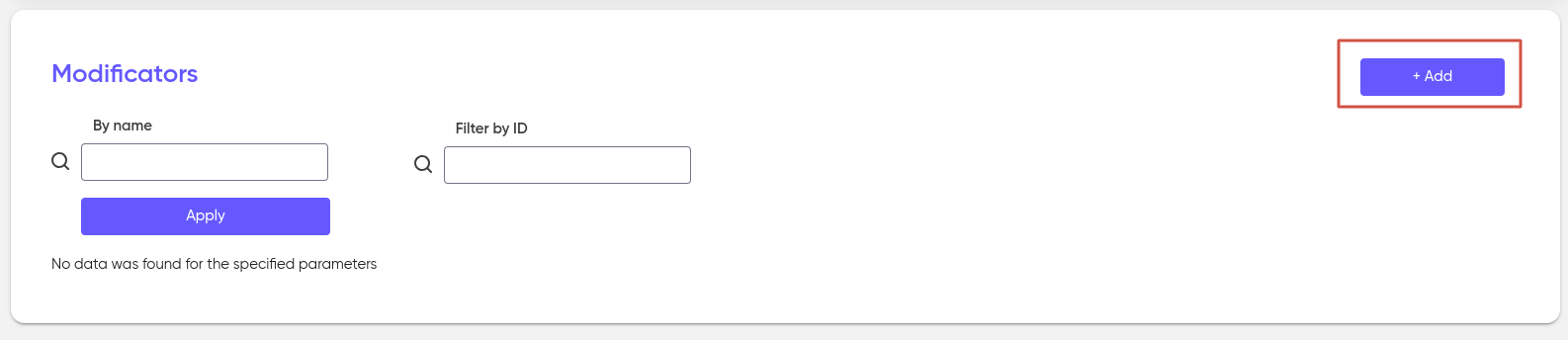
Modificators are created and stored in the «Modificators» section.

To add a new modifier, click on the «+ Add» button:
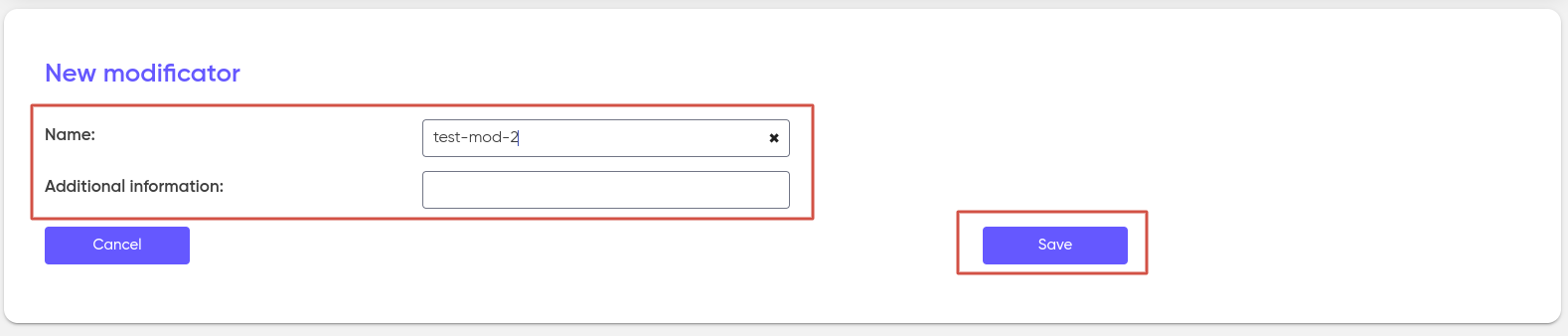
The Name is mandatory when creating a new modifier, Additional information is filled out at your discretion. Then click ‘Save’.
After the new Modifier is created, Modification rules must be added to it:
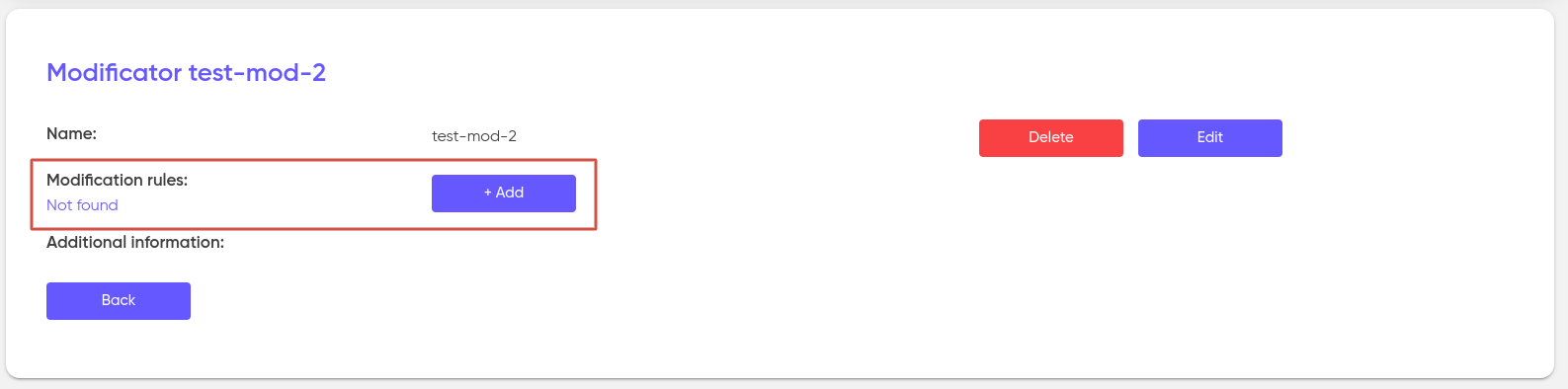
Select the type of rule that is needed (descriptions of rule types are described at the beginning):

After selecting the rule, it is necessary to set the corresponding configuration for it; however, at this stage, you can skip this step and add the settings later.
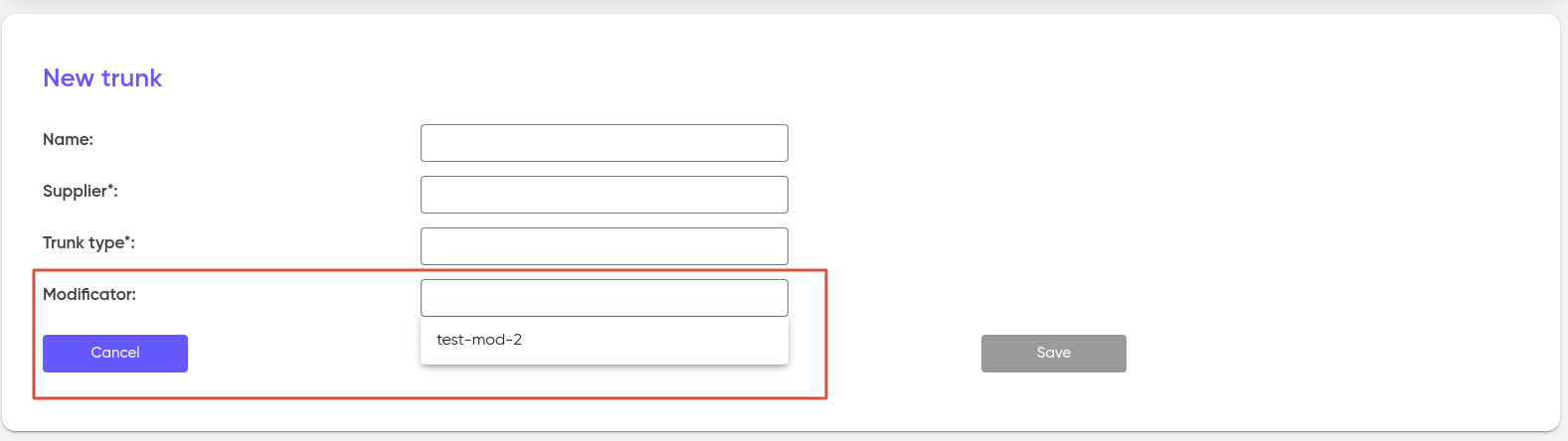
After the Modificator is created, it is attached to the customer trunks.